

XCAP CAM – Computer Aided Manufacturing
Simple
- Simple solution for programming your turning and milling parts.
- Productivity rapid with just a few hours’ training.
- Interface intuitive for ease of use.
Fast
- Programming in hidden time for rapid use.
- Passage direct to machine after programming in a few minutes.
- Optimisation of production time.
High-performance
- Increase your productivity and the quality of the parts produced.
- Achieve your goals more easily with XCAP’s advanced machining methods.
- Optimise your performance with efficient programming and quality tools.
Upgradeable
- Adapts to the evolution of your machine fleet and working method.
- Regular updates for consistently optimal use.
- Scalable software to adapt to your changing needs.
ENHANCE YOUR PRODUCTIVITY
Focused on performance and ease of use, XCAP CAM is a highly effective solution for programming your CNC machines for various machining technologies: Turning, Milling, Machining Centre and Turning Centre. The interface, ergonomic and intuitive, allows you to get to grips with the software very quickly and increase productivity.
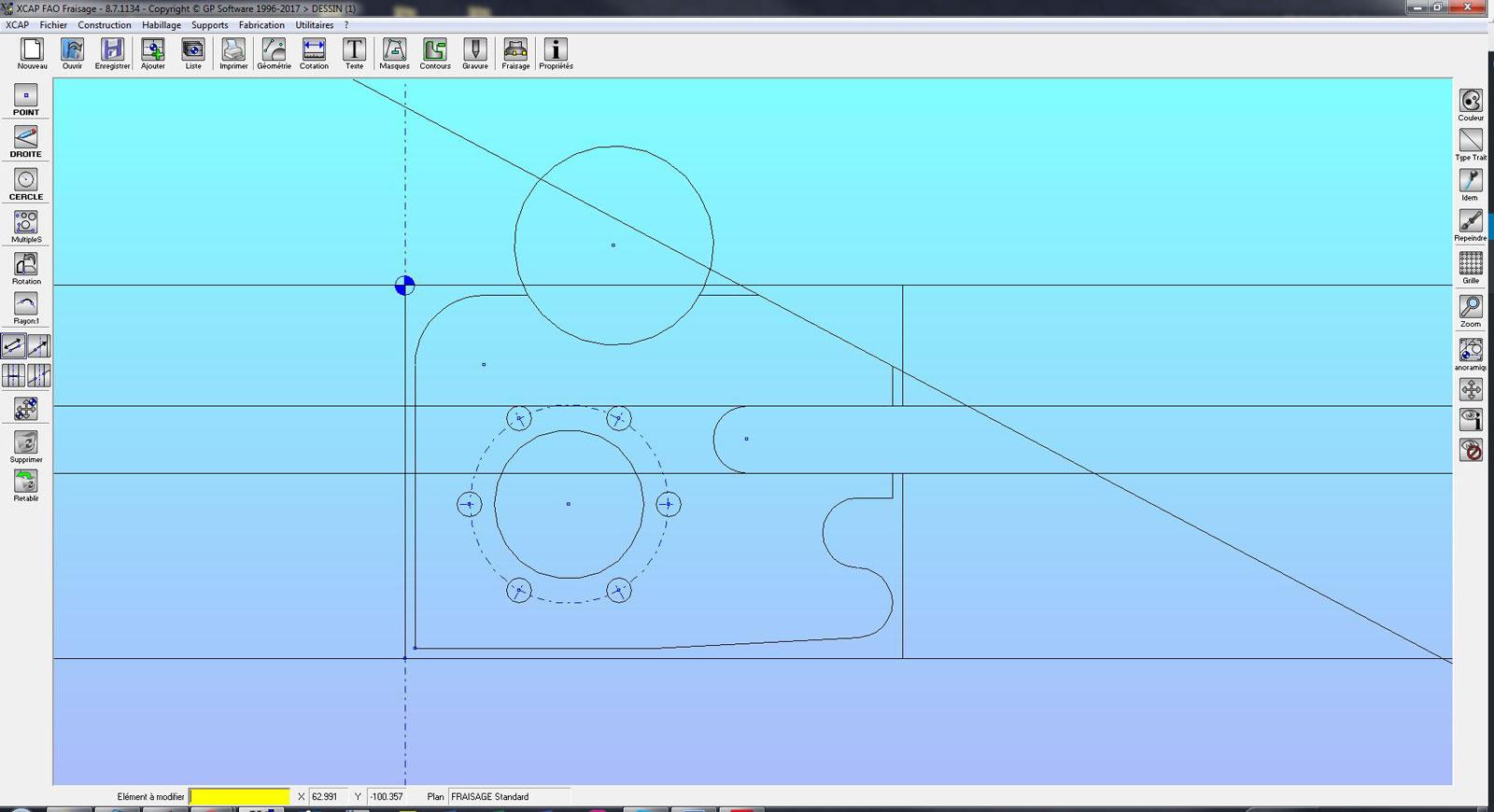
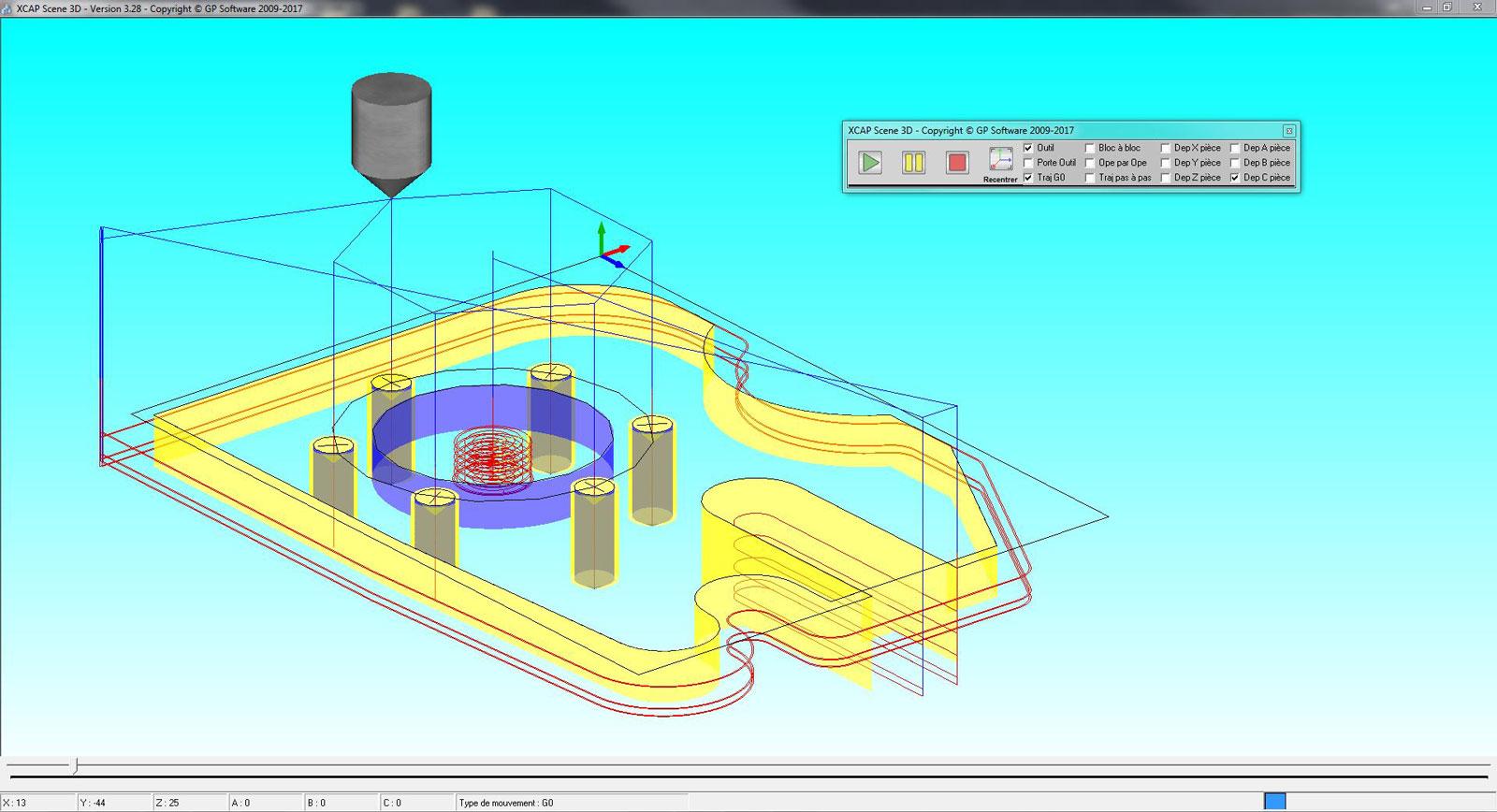
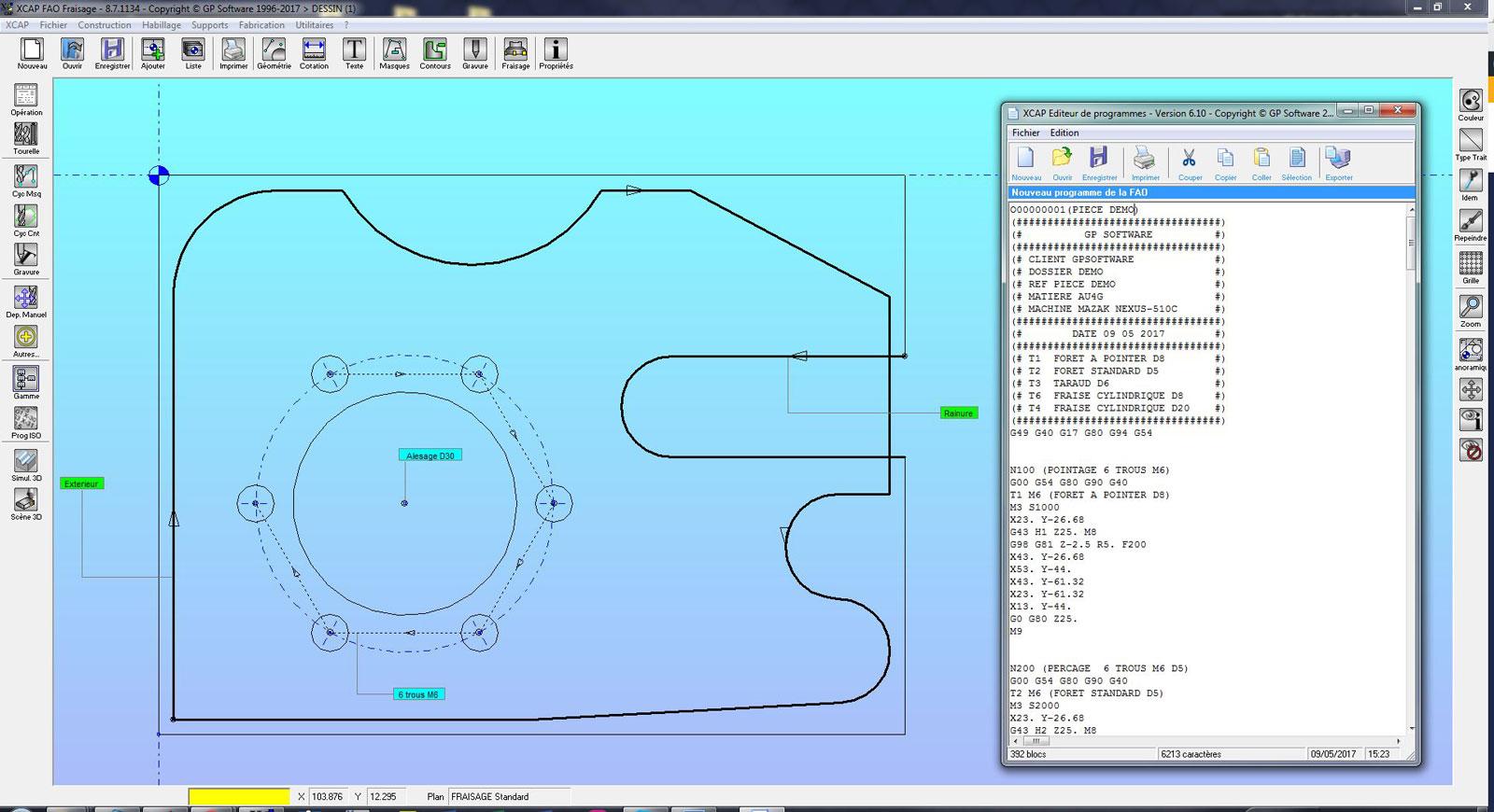
ONE AND THE SAME INTERFACE FOR

DESIGN YOUR PARTS

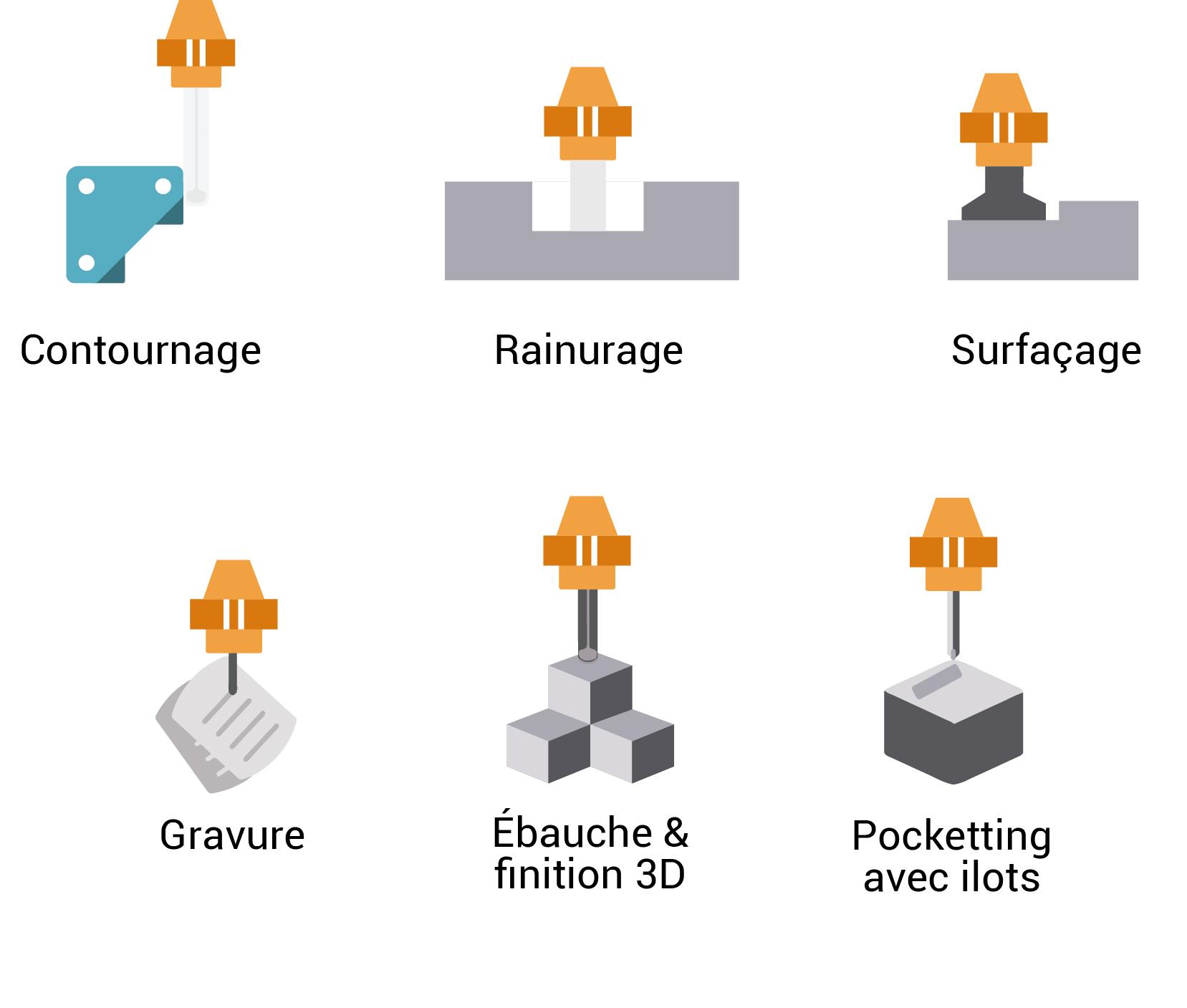
CREATE YOUR MACHINING PATH

GENER YOUR ISO PROGRAMS
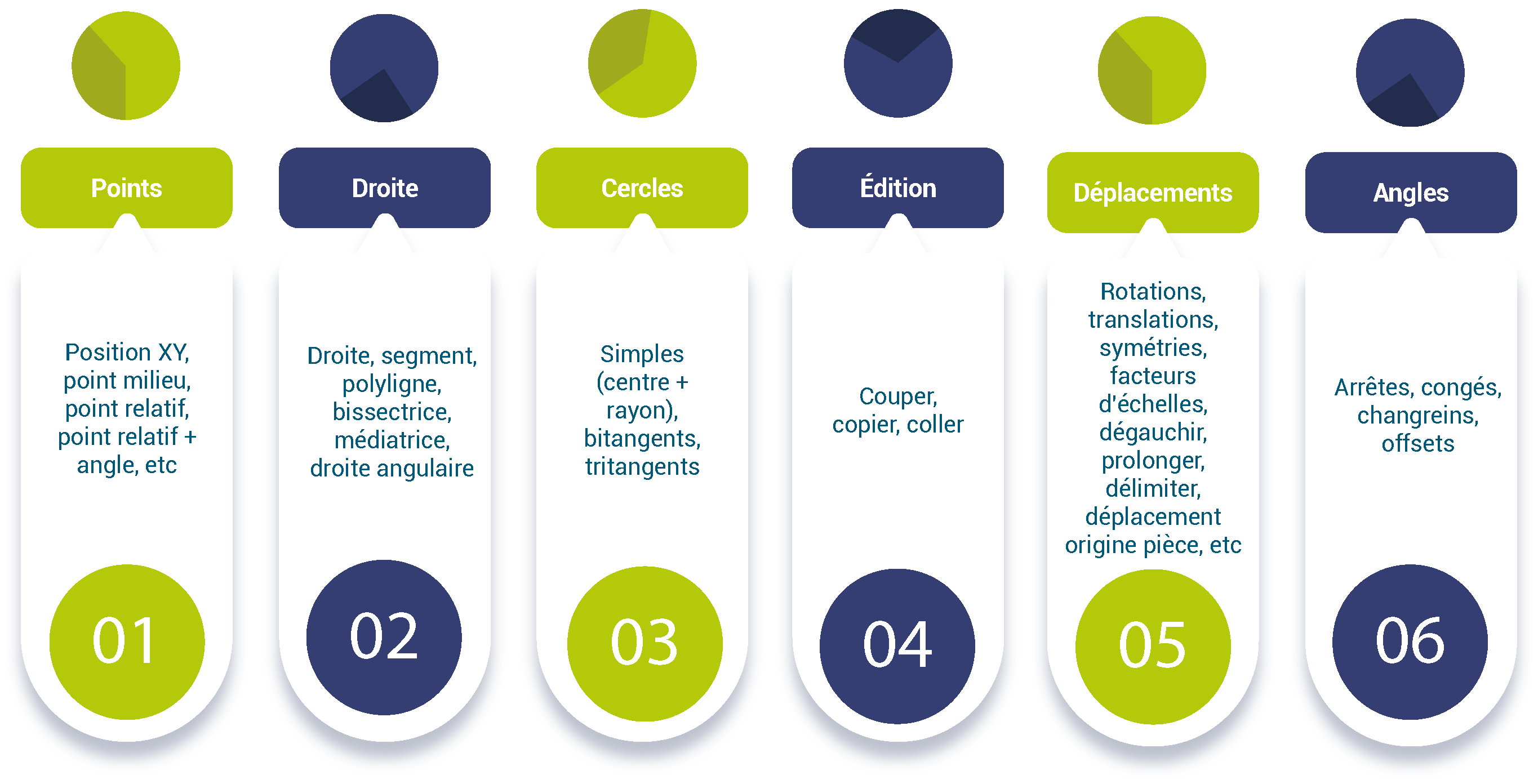
DRAW YOUR PARTS
Import and intelligent quotation
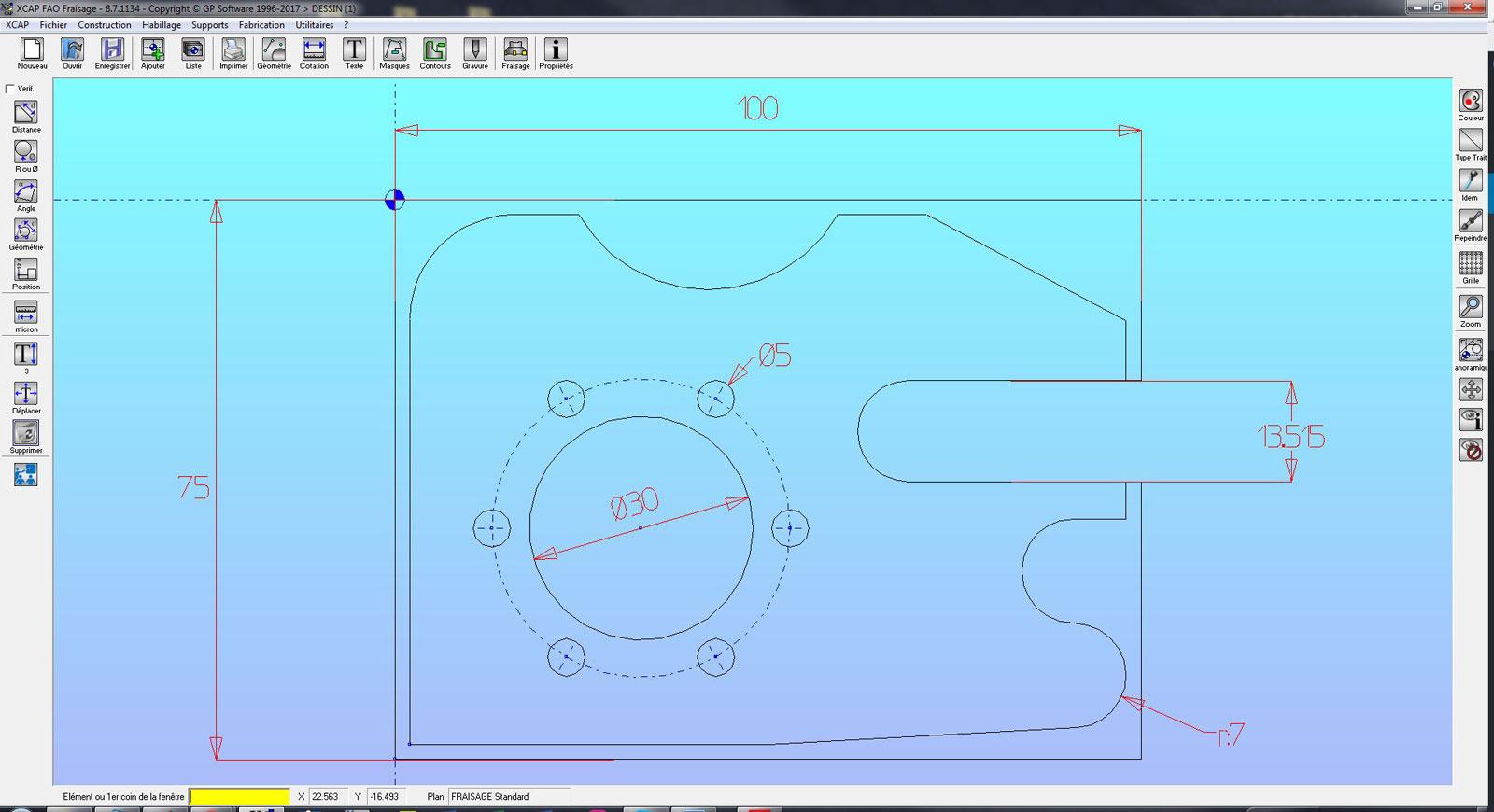
Intuitive design
DESIGN YOUR MACHINING PATHWAYS – CONTOURS
Contour construction
Create your own tool paths and machining points by defining your crossing points and the curves to follow, or use the predefined paths tools and the automatic path.
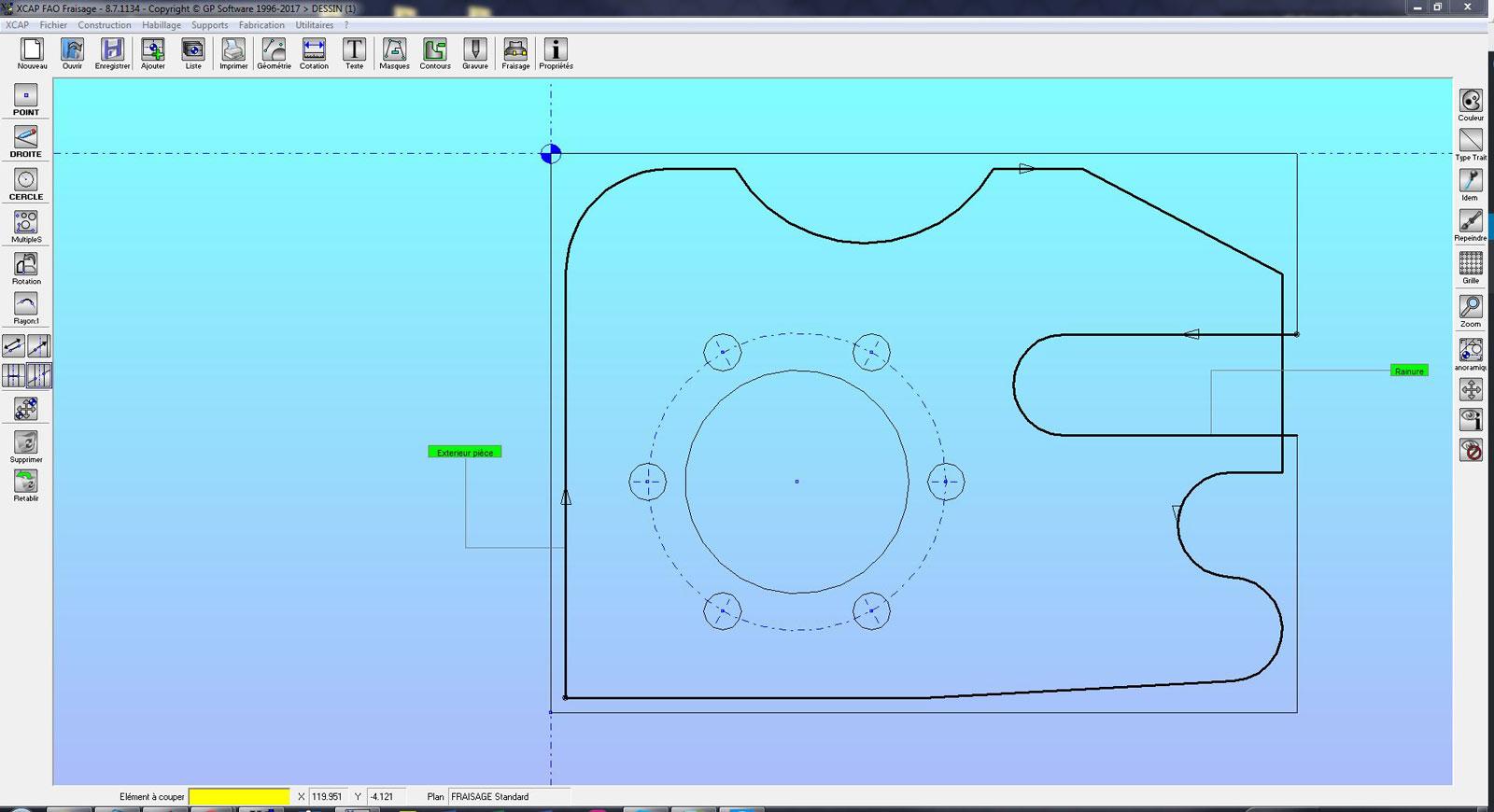
Circles on contours
CREATE YOUR FACTORY TRAIL – MASKS
Construction of masks
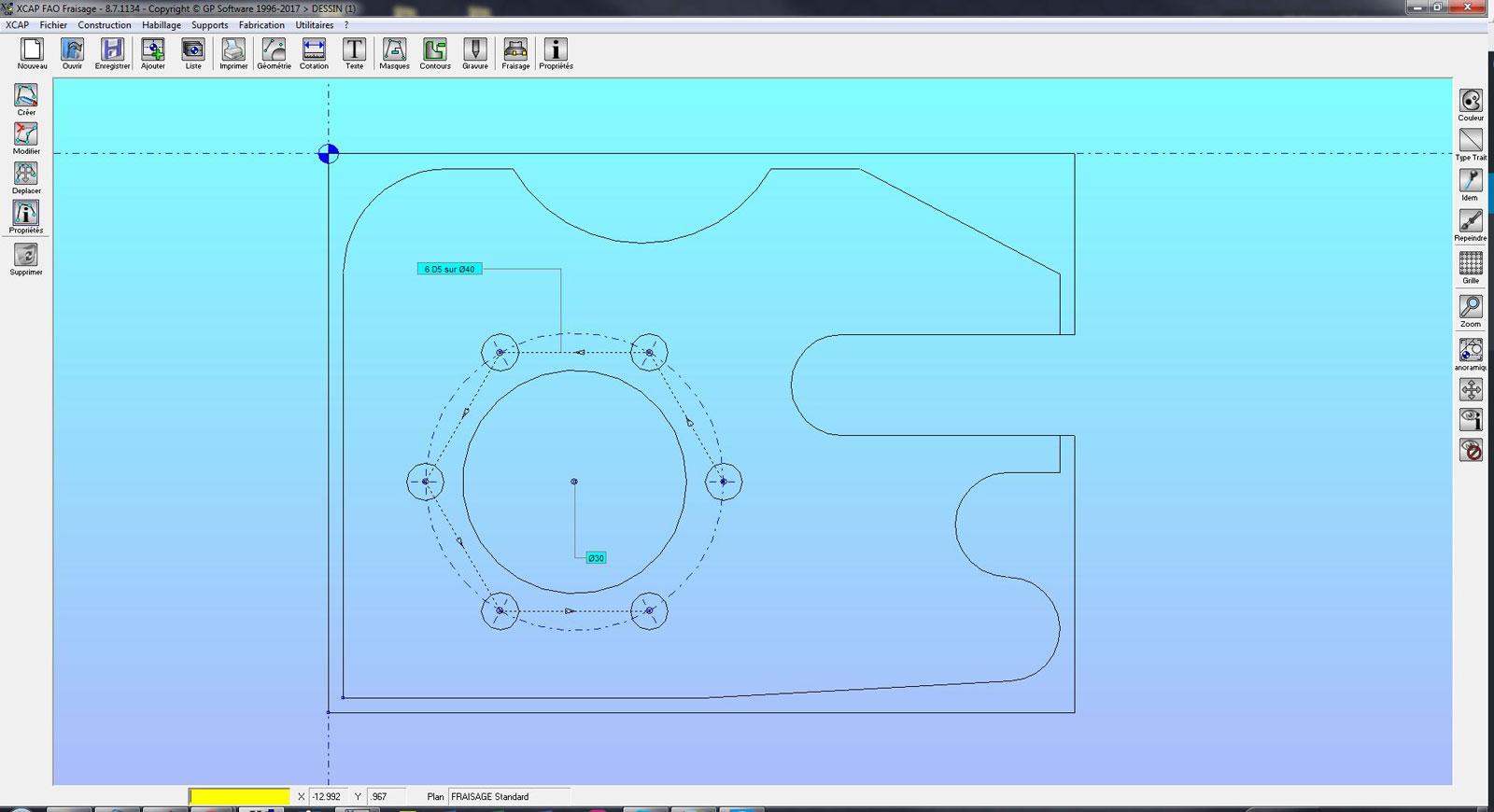
Cycles on masks
GENERATE YOUR ISO PROGRAMS
Optimised simulation
ISO and transfer programmes
Once the simulation is done, you generate the ISO program. Select the machine used and create the NC program corresponding to the machining program. All that remains is to transfer it to your machine.
Our post-processors use all the possibilities of your cabinets and are customised according to your programming habits.
