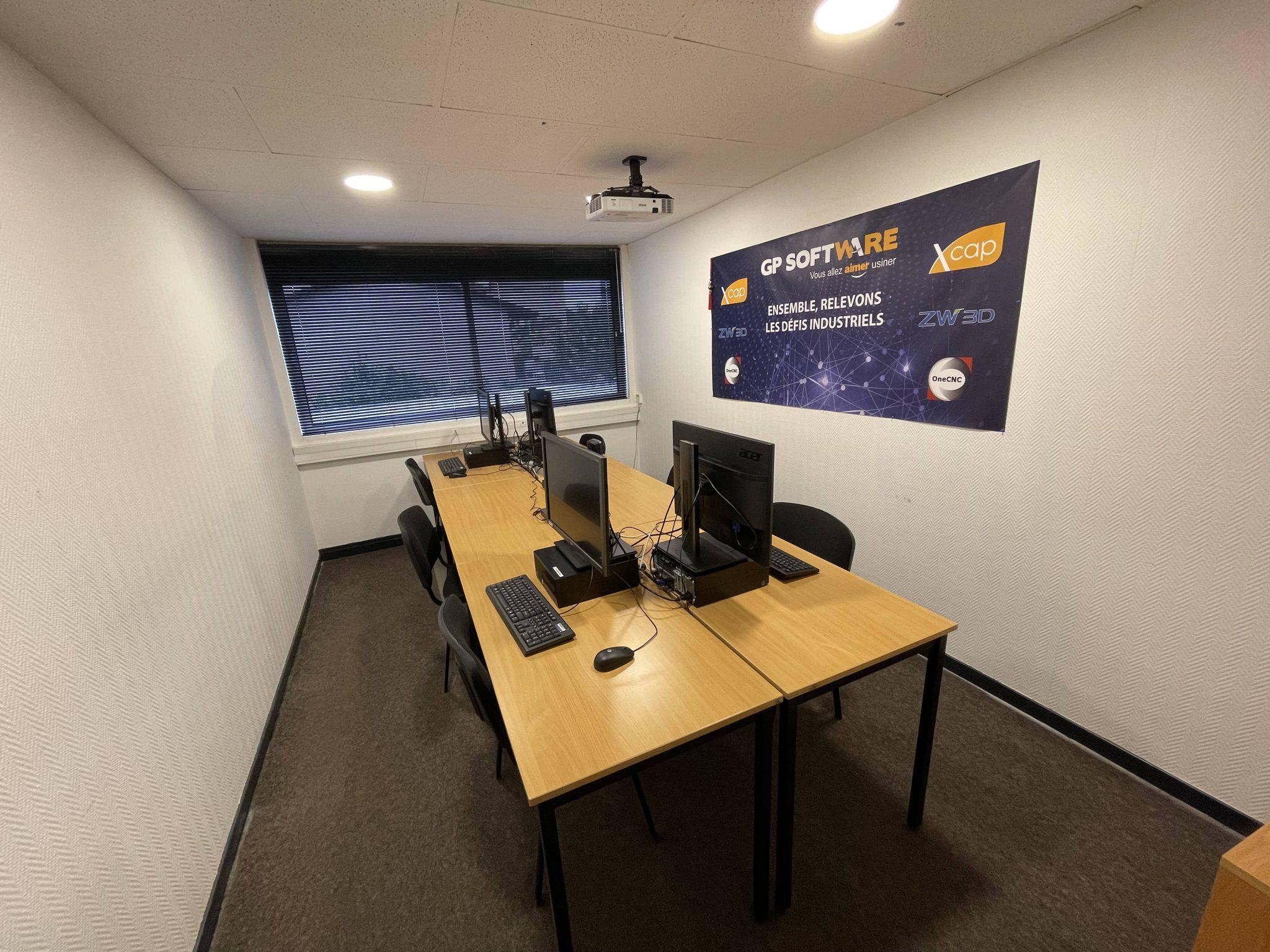
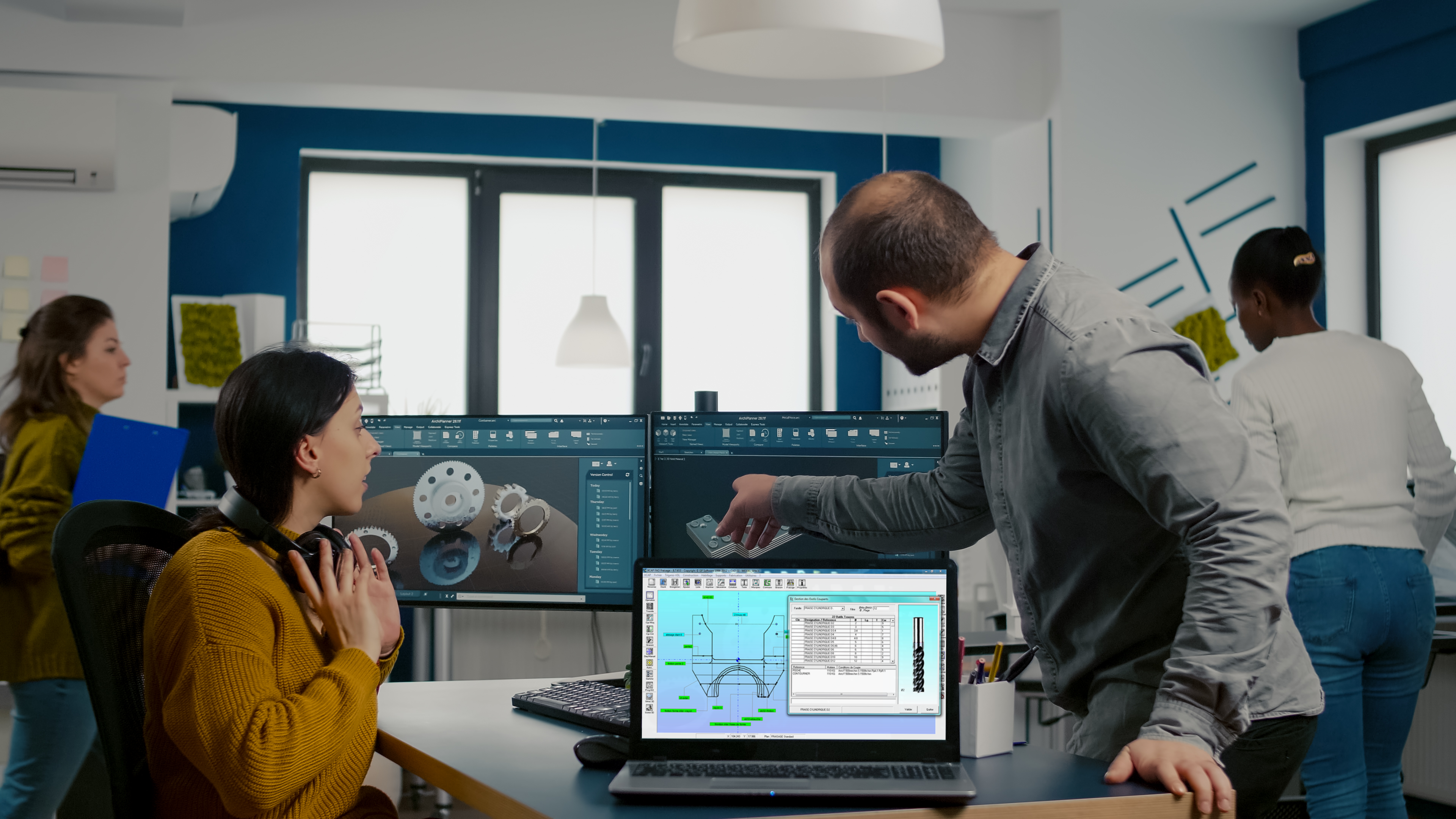
Backed by our experience in workshops and training, GP Software is an accredited training organization. What’s more, we offer individual or group training sessions, on site or at our training center.
Whatever your level of computer and CAM knowledge, our customized training courses will have you up and running in just a few days. We also make a point of providing high-quality training, so that you can use the software to its full potential.
Only trained employees are able to fully implement and use CAM or Program Management software. Beforehand, they undergo intensive training by GP Software. In fact, we support customers in their day-to-day use of CAM software, and answer any questions they may have.
%
Success rate (Updated May 2024)*
%
Attendance (Updated May 2024)*
Skill test: 9/10
Satisfaction :
GP Software training courses
ZW3D CAD/CAM software
ZW3D CAD Basics
Objective: Master basic ZW3D commands
Prerequisites: Hold a position requiring the use of CAD software: Design office, methods, production
Duration: 3 days
Teaching aids: Training is based on theory and practical exercises, with the help of training aids.
Assessment method :
- Training entry questionnaire
- Application exercises during the day
- MCQs at the end of the day
- End-of-training satisfaction questionnaire
- Cold evaluation by the training sponsor
Validation: Training certificate
ZW3D Trade CAD
Objective: Master ZW3D software tools (sheet metal and mechanical welding)
Prerequisites: Hold a position requiring the use of CAD software: Design office, methods, production
Duration: 1 day
Teaching aids: Training is based on theory and practical exercises, with the help of training aids.
Assessment method :
- Training entry questionnaire
- Application exercises during the day
- MCQs at the end of the day
- End-of-training satisfaction questionnaire
- Cold evaluation by the training sponsor
Validation: Training certificate
ZW3D CAD Advanced
Objective: Master the advanced features of ZW3D software
Prerequisites: Mastery of basic ZW3D commands
Teaching aids: Training is based on theory and practical exercises, with the help of training aids.
Assessment method :
- Training entry questionnaire
- Application exercises during the day
- MCQs at the end of the day
- End-of-training satisfaction questionnaire
- Cold evaluation by the training sponsor
Validation: Training certificate
Program: To be defined according to your needs
ZW3D FAO
Objective: Master the CAM functions of ZW3D software
Prerequisites: Hold a position requiring the use of CAD software: Design office, methods, production
Duration: 3 days
Teaching aids: Training is based on theory and practical exercises, with the help of training aids.
Assessment method :
- Training entry questionnaire
- Application exercises during the day
- MCQs at the end of the day
- End-of-training satisfaction questionnaire
- Cold evaluation by the training sponsor
Validation: Training certificate
XCAP CAM software
XCAP CAM Milling
Objective: Master milling software functions
Pre-requisites: Hold a position requiring the use of CAM software: production, methods, etc.
Duration: 3 days
Teaching aids: Training is based on theory and practical exercises, with the help of training aids.
Assessment method :
- Training entry questionnaire
- Application exercises during the day
- MCQs at the end of the day
- End-of-training satisfaction questionnaire
- Cold evaluation by the training sponsor
Validation: Training certificate
XCAP CAM Turning
Objective: Master the software’s shooting functions
Pre-requisites: Hold a position requiring the use of CAM software: production, methods, etc.
Duration: 3 days
Teaching aids: Training is based on theory and practical exercises, with the help of training aids.
Assessment method :
- Training entry questionnaire
- Application exercises during the day
- MCQs at the end of the day
- End-of-training satisfaction questionnaire
- Cold evaluation by the training sponsor
Validation: Training certificate
XCAP CAM Turning center
Objective:
Understand how the software works, how it is designed and how it is turned.
Pre-requisites: Hold a position requiring the use of CAM software: production, methods, etc.
Duration: 4-6 days
Teaching aids: Training is based on theory and practical exercises, with the help of training aids.
Assessment method :
- Training entry questionnaire
- Application exercises during the day
- MCQs at the end of the day
- End-of-training satisfaction questionnaire
- Cold evaluation by the training sponsor
Validation: Training certificate
XCAP CAM Wire
Objective: Master XCAP software functions for wire cutting
Pre-requisites: Hold a position requiring the use of CAM software: production, methods, etc.
Duration: 3 days
Teaching aids: Training is based on theory and practical exercises, with the help of training aids.
Assessment method :
- Training entry questionnaire
- Application exercises during the day
- MCQs at the end of the day
- End-of-training satisfaction questionnaire
- Cold evaluation by the training sponsor
Validation: Training certificate
OneCNC CAM software
ONE CNC Milling
Objective: Master milling software functions
Pre-requisites: Hold a position requiring the use of CAM software: production, methods, etc.
Duration: 2 days
Teaching aids: Training is based on theory and practical exercises, with the help of training aids.
Assessment method :
- Training entry questionnaire
- Application exercises during the day
- MCQs at the end of the day
- End-of-training satisfaction questionnaire
- Cold evaluation by the training sponsor
Validation: Training certificate
ONE CNC Turning
Objective: Master the software’s shooting functions
Pre-requisites: Hold a position requiring the use of CAM software: production, methods, etc.
Duration: 2 days
Teaching aids: Training is based on theory and practical exercises, with the help of training aids.
Assessment method :
- Training entry questionnaire
- Application exercises during the day
- MCQs at the end of the day
- End-of-training satisfaction questionnaire
- Cold evaluation by the training sponsor
Validation: Training certificate
XCAP PROGRAM MANAGEMENT software
XCAP GEST PROG & DNC
Objective: Master the basics of the software
Pre-requisites: Operator, workshop manager and administrator in positions requiring XCAP Program Management software.
Duration: 1 half-day
Teaching aids: Training is based on theory and practical exercises, with the help of training aids.
Assessment method :
- Training entry questionnaire
- Application exercises during the day
- MCQs at the end of the day
- End-of-training satisfaction questionnaire
- Cold evaluation by the training sponsor
Validation: Training certificate
Concrete block layout software
XCAP Layout
Objective: Master software functions
Pre-requisites: Hold a position requiring the production of concrete block layouts: sales representative / planner / logistics specialist in a concrete block manufacturing or trading company.
Duration: 1 half-day
Teaching aids: Training is based on theory and practical exercises, with the help of training aids.
Assessment method :
- Training entry questionnaire
- Application exercises during the day
- MCQs at the end of the day
- End-of-training satisfaction questionnaire
- Cold evaluation by the training sponsor
Validation: Training certificate
For people with disabilities(PSH) :
If you have any questions about the physical or pedagogical adaptation of our training courses, please contact us.
Further information, access and registration details and previous results on request.
Prices from 400€, lead time 2 weeks.

Training Center
Our training center in Lyon (69003) can accommodate up to 6 people for group training sessions on our software.
These regular sessions have several advantages:
You’re not at work, so you’re not disturbed.
The equipment at your disposal is ideal for working in good conditions.
The cost is lower than a training session on your premises.
To help you learn at your best, you’ll have a powerful computer workstation, Internet access and all the necessary amenities.
What’s more, our trainers, with their wealth of experience in the industry, can provide you with personalized advice to tailor the training to your needs and expectations.
Equipment
-
Dedicated Core i5 computer workstations, 8 GB RAM, Windows 10 and 24-inch screen
-
Video projector.
-
Whiteboard.
-
Pens & notebooks GP Software.
-
Training aids.
-
Internet access.
-
Dedicated network space.
-
Air conditioning.
Practical info
-
Coffee machine, microwave…
-
Relaxation area with toilet.
Nearby restaurants
-
Restaurant (230m).
-
Sandwich shop (350m).
-
Fast-food outlets (800m).